Vertical AI
Where industry expertise meets intelligent automation.
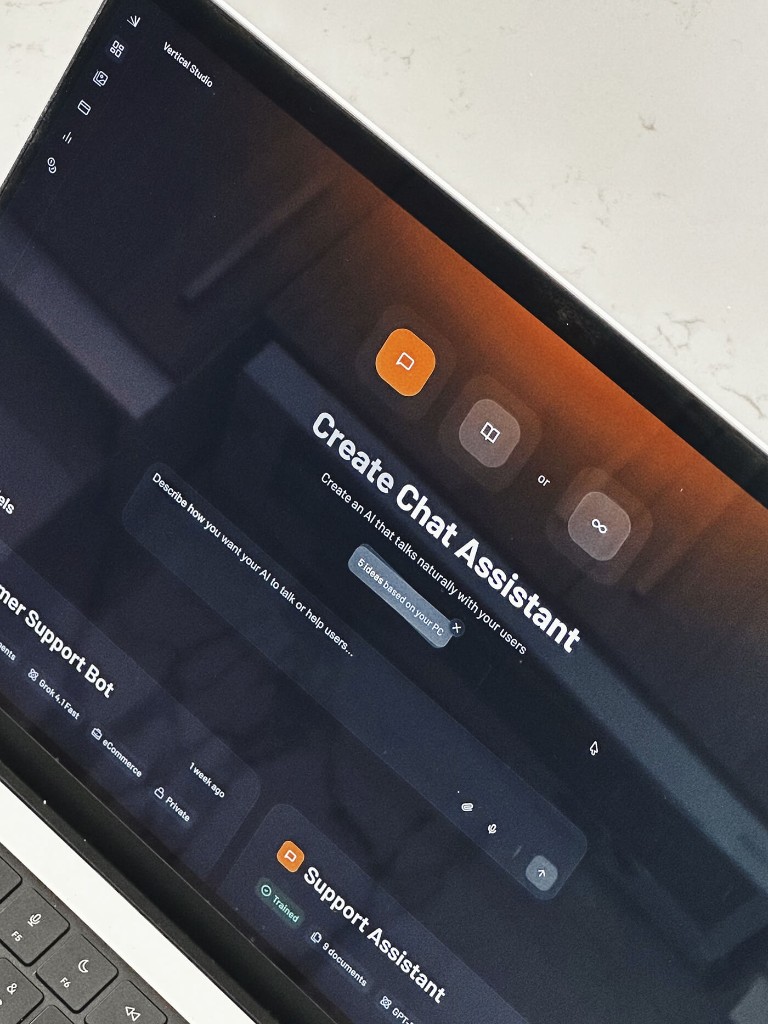
As the product grew across industries and use cases, consistency became critical. We needed a design system that could scale with new modules while keeping setup, onboarding, and daily use frictionless.
Opaque configuration — Users didn't understand how AI assistants were configured.
Heavy enterprise setup — Enterprise setup required too many manual steps.
Scaling across industries — The platform needed to scale across multiple industries and use cases.
To understand how users were already interacting with AI products, I analyzed five leading competitors and mapped their common patterns, strengths, and gaps. This helped identify opportunities worth validating and shaped the product’s early differentiation strategy.
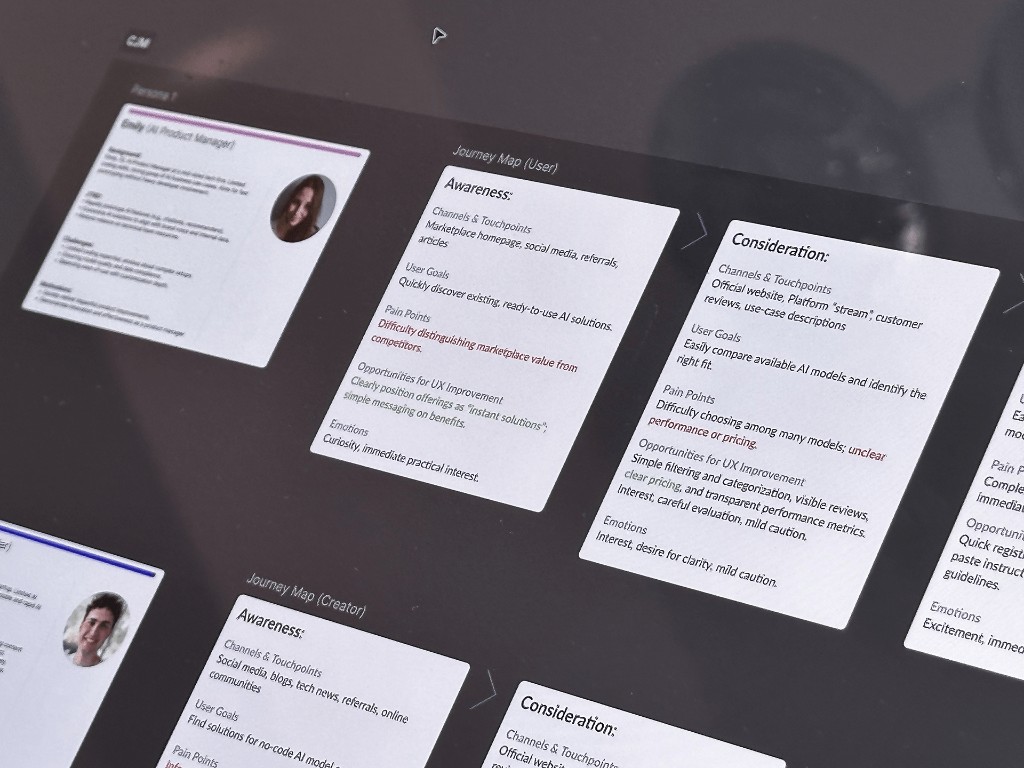
User flows and journey maps helped translate research into actionable product decisions. By visualizing the complete experience, it became easier to identify bottlenecks, validate assumptions, and design a more seamless path from discovery to value.
Before investing in polished UI, I mapped high-level user flows to validate the overall experience with the team. This made it easy to evaluate the number of steps, identify unnecessary complexity, and iterate on ideas before moving into detailed design.
Over the years, I’ve made interactive prototyping a standard part of my workflow. It not only helps uncover edge cases and refine complex user flows, but also creates a shared understanding with stakeholders by letting them experience the product before it’s built.
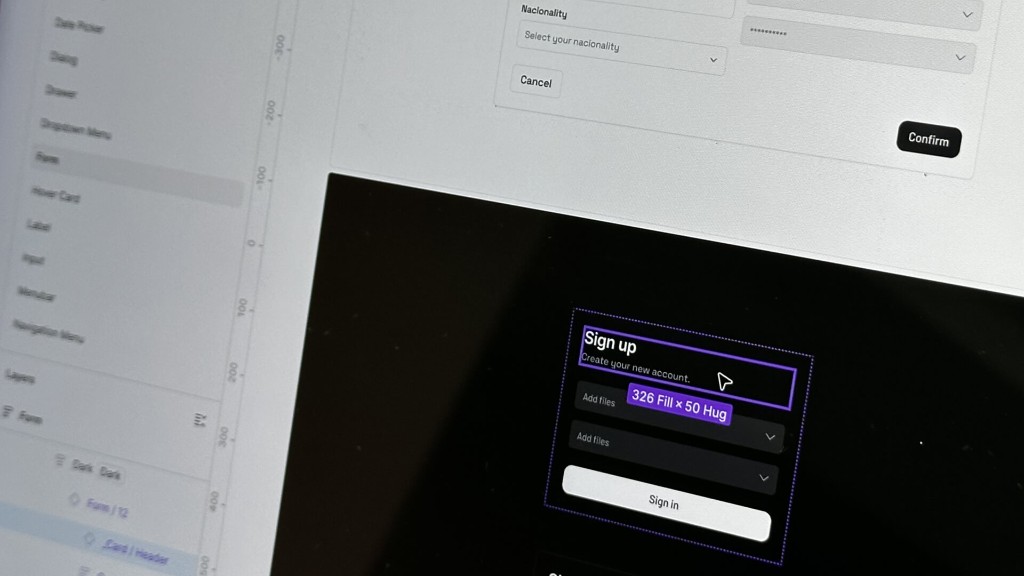
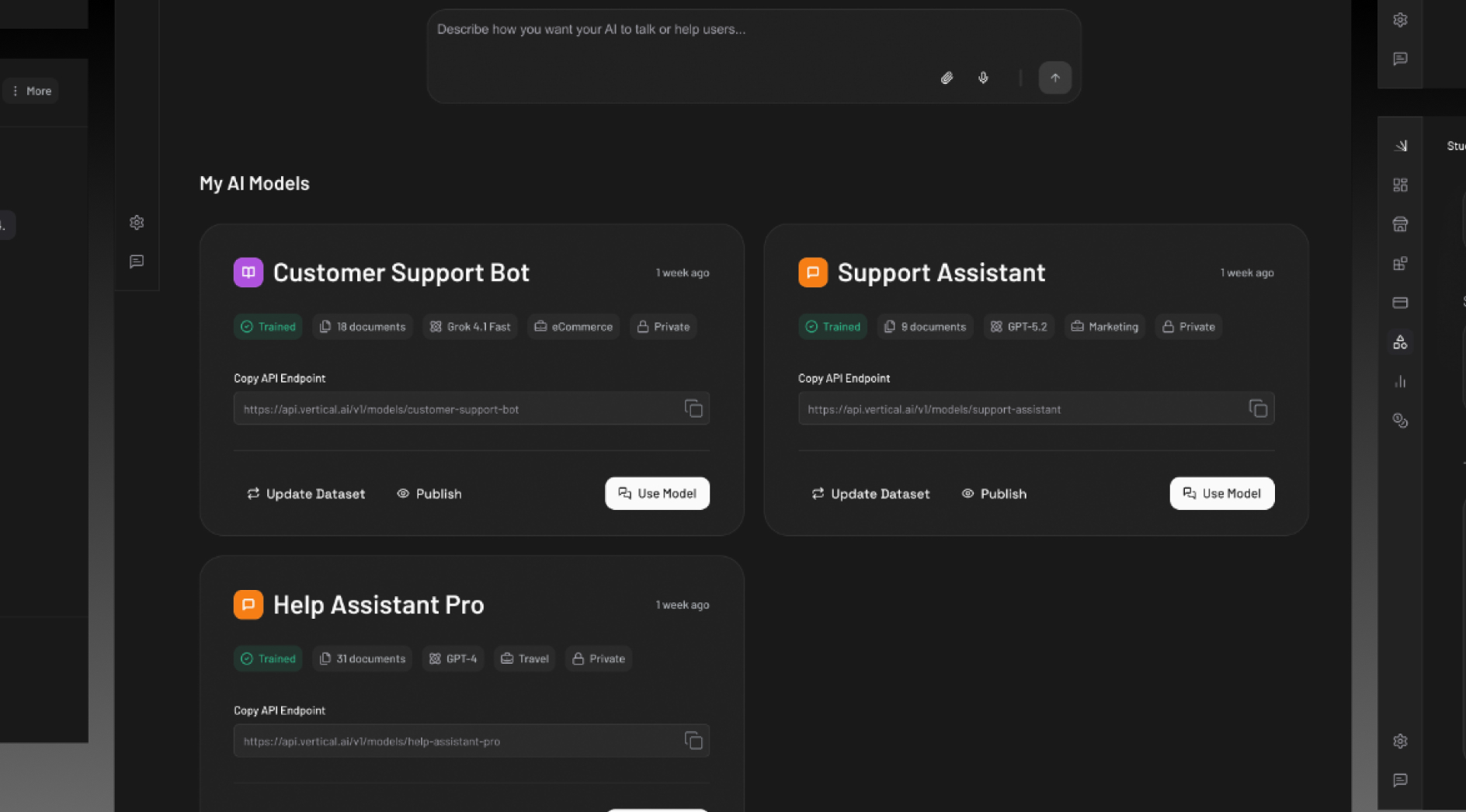
The interface was built on a scalable design system with reusable components, semantic design tokens, and theme support. This reduced design debt, simplified collaboration with developers, and made the product easier to evolve over time.
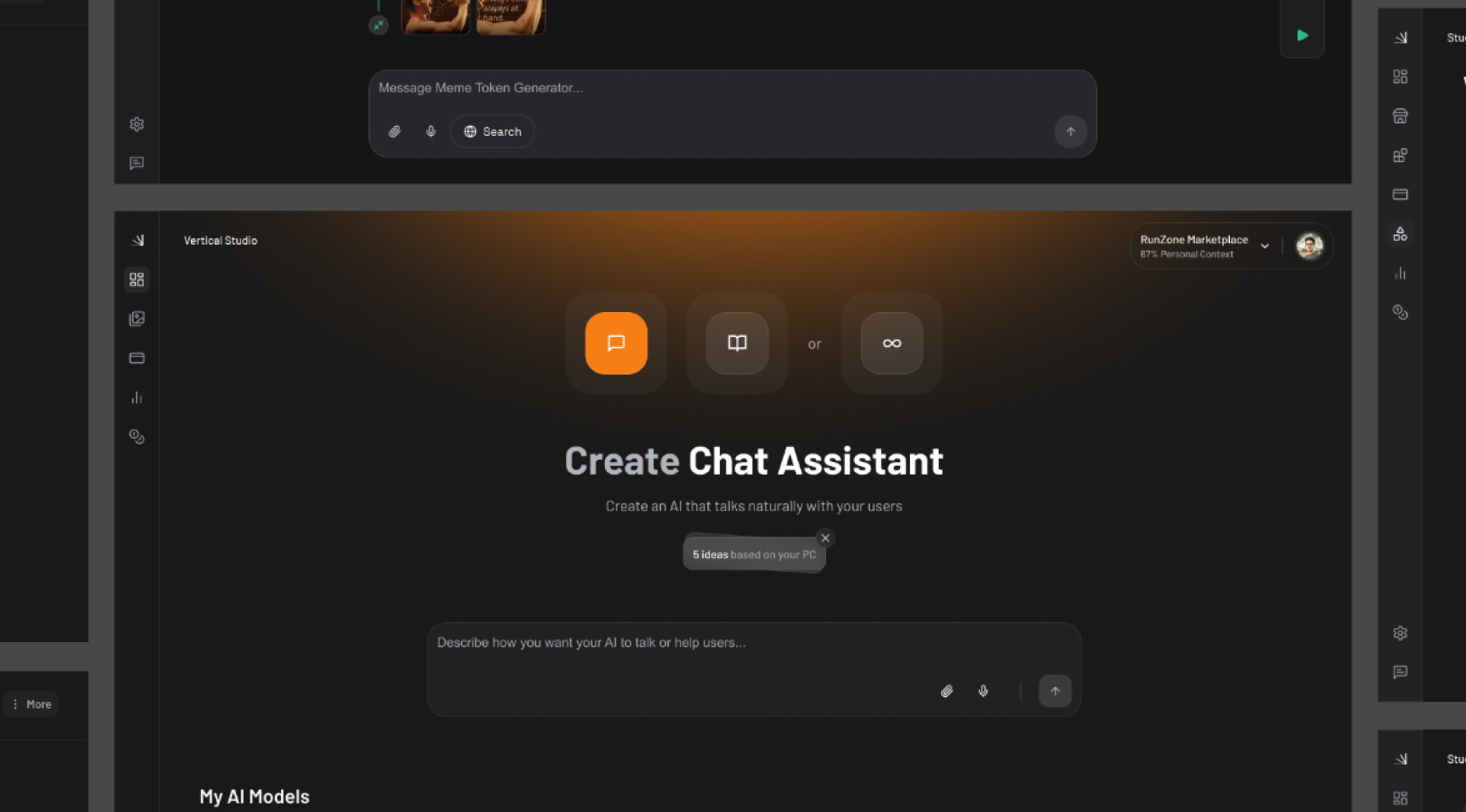
Guided setup over manual configuration — Instead of asking users to configure AI assistants manually, we introduced a guided setup flow that reduced cognitive load and increased successful first-time completion.
Progressive disclosure for admin settings — Enterprise teams need depth, but not all at once. We layered advanced settings behind clear defaults so admins could move fast without overwhelming new users.
Industry templates as starting points — Blank-slate configuration slowed adoption. Pre-built industry templates gave teams a credible starting point they could customize — cutting setup time and decision fatigue.
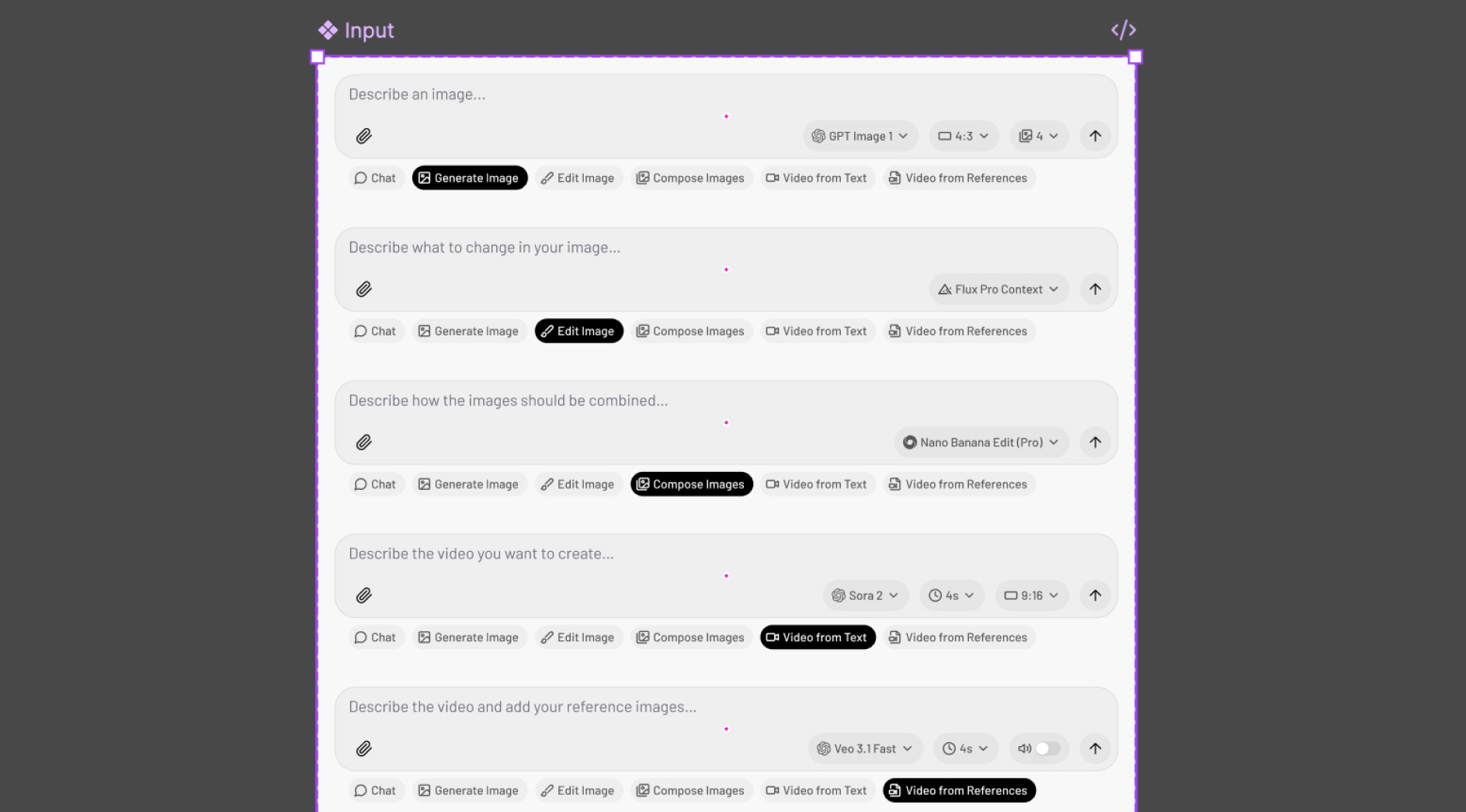
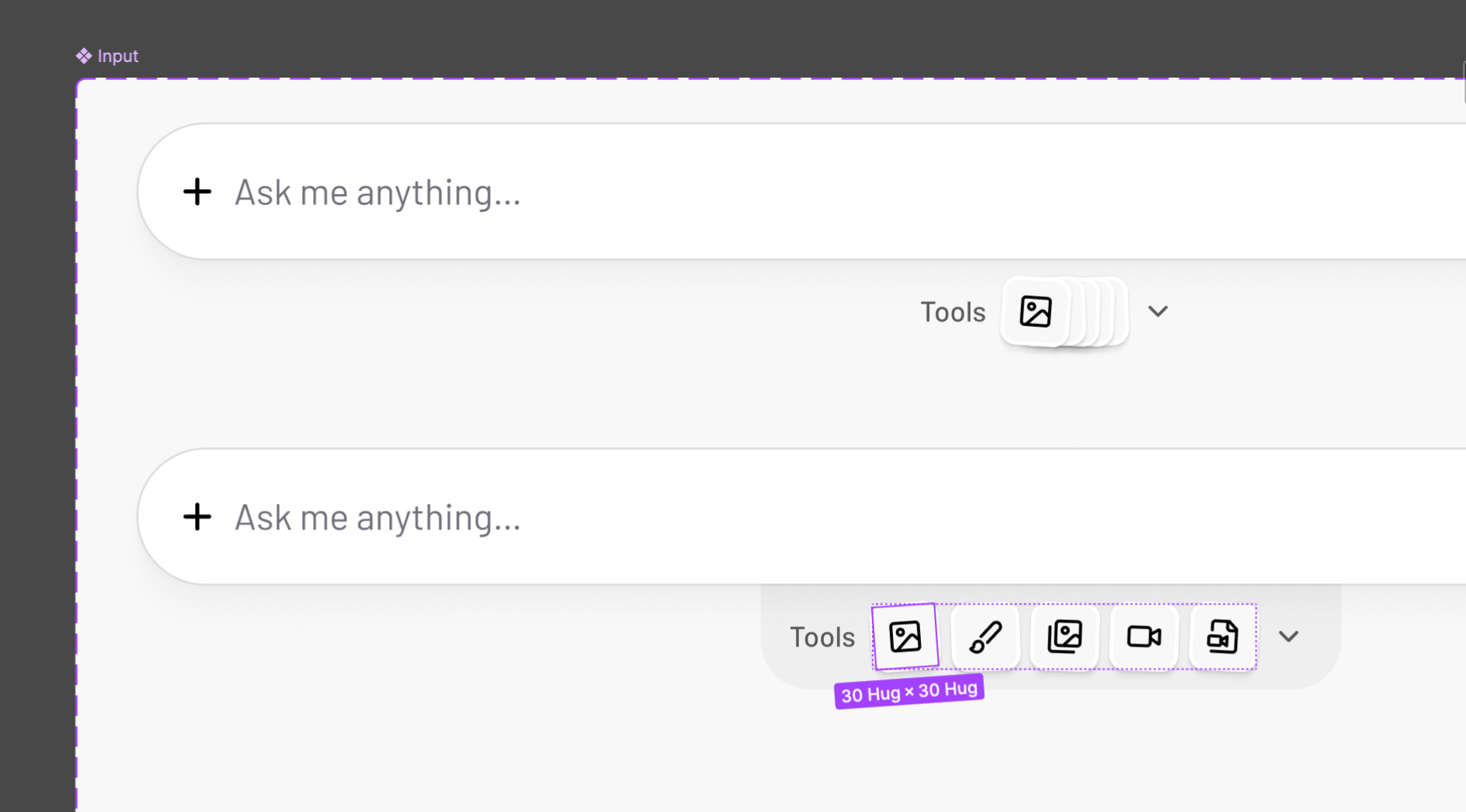
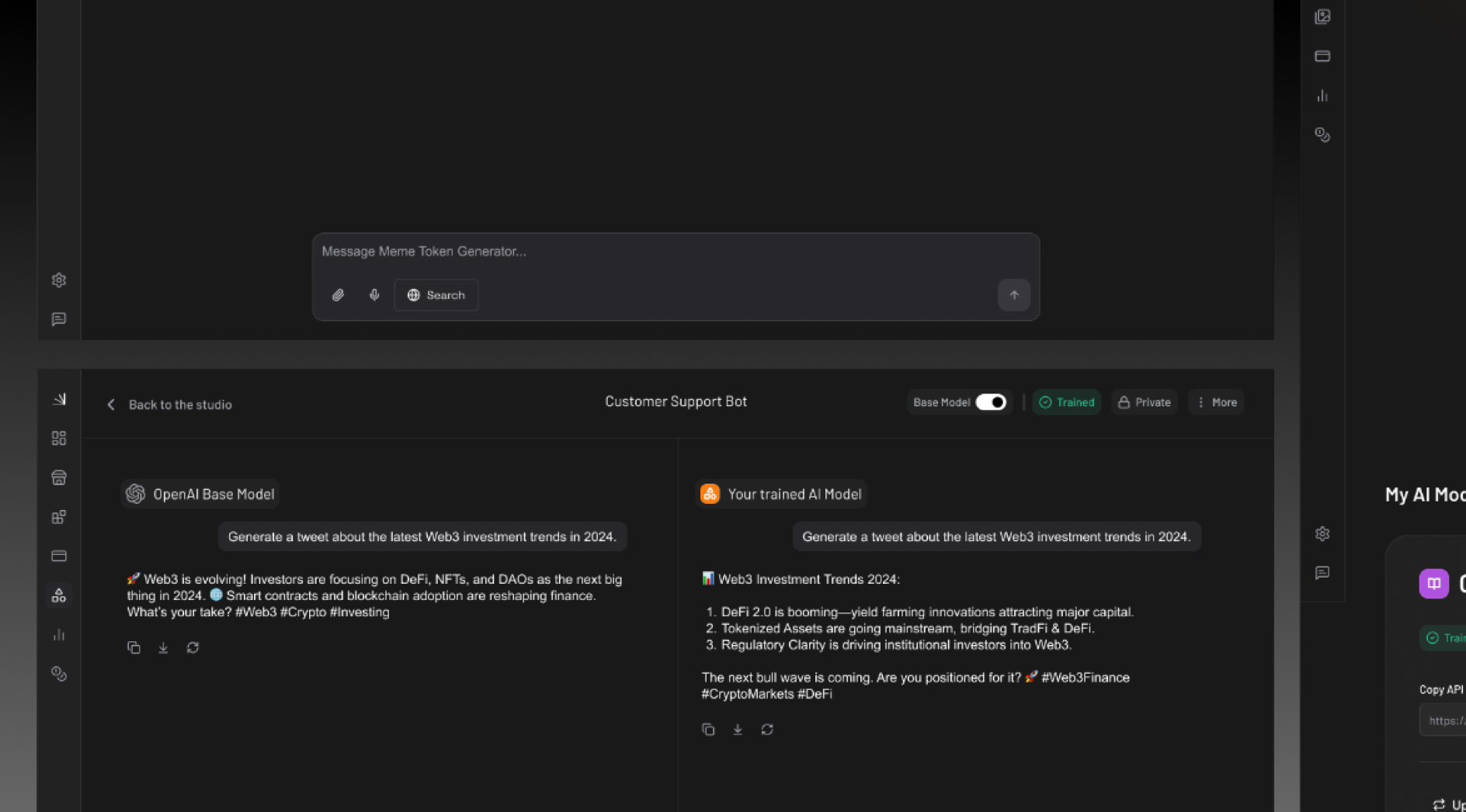
Unified input patterns across modules — Prompt fields, results, and actions varied too much between features. A shared input and response pattern made the product feel cohesive and sped up design and engineering handoff.
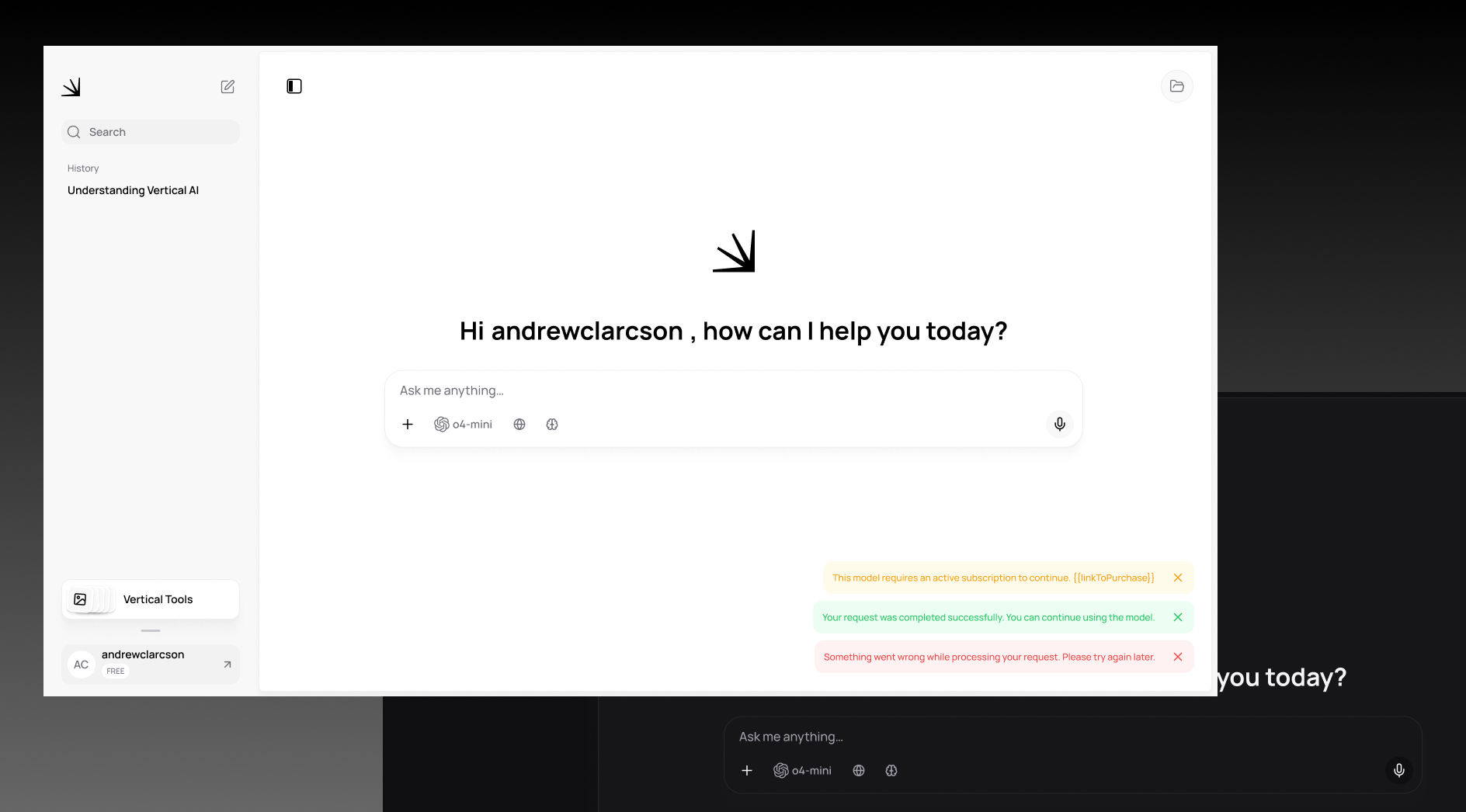
Transparent AI state and confidence — Enterprise users need to trust what the system is doing. Clear loading, error, and confidence states replaced ambiguous spinners — reducing anxiety and support requests.
Launch marked the beginning of continuous product learning rather than the end of the design process. After release, I closely monitored user feedback, product metrics, and emerging AI trends to identify opportunities for future iterations.
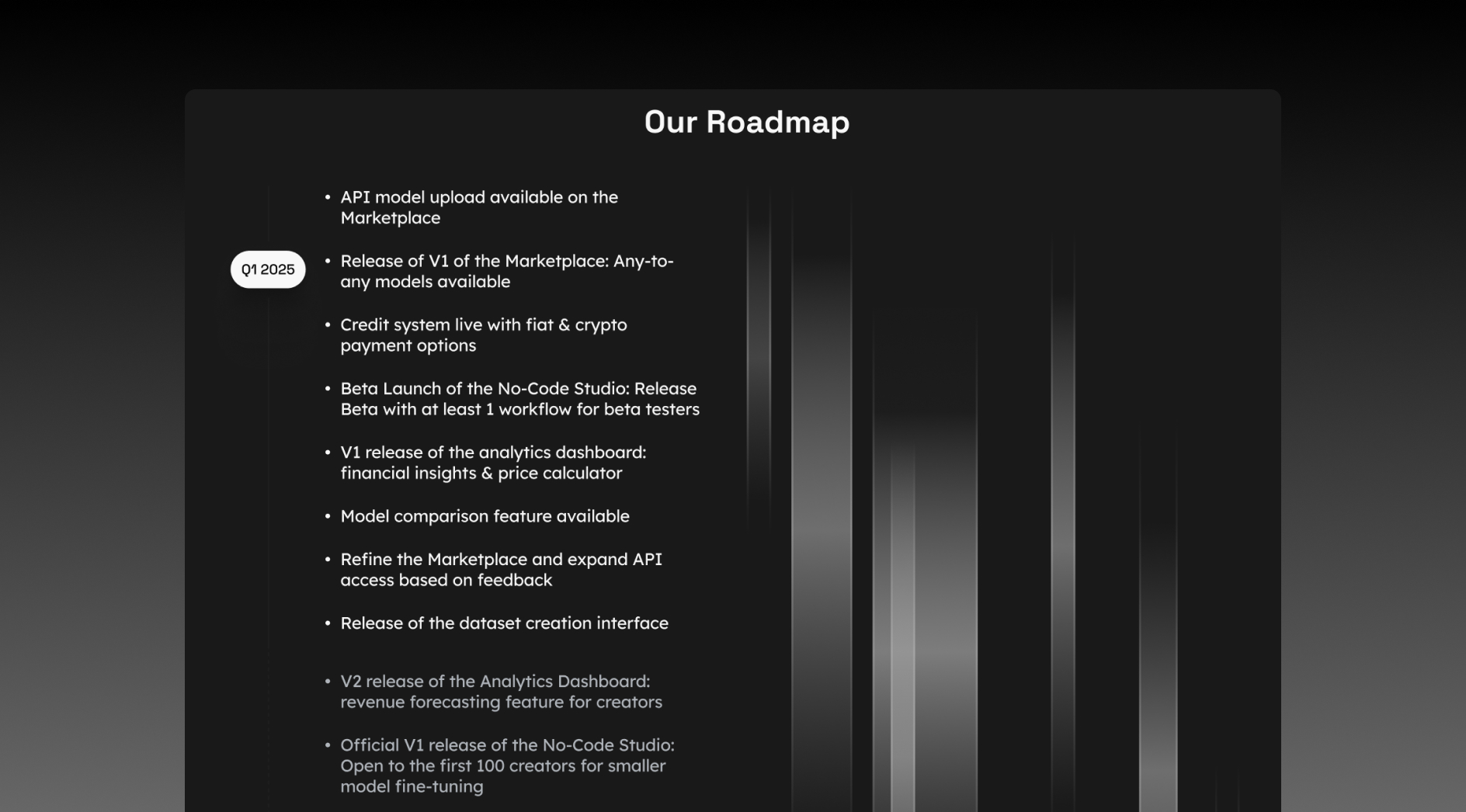
The redesign helped Vertical AI move from a powerful but intimidating tool to a product teams could adopt quickly. Faster onboarding, clearer assistant setup, and a shared design language supported rapid feature expansion without sacrificing usability.

Designing enterprise AI software means constantly fighting complexity. Every feature request adds surface area — the job is to find what can be removed, deferred, or guided rather than exposed upfront.
Trust is a design problem, not just a technical one. When users can't see what the system is doing, they hesitate. Explicit states, honest feedback, and predictable patterns matter as much as model quality.
A design system at scale isn't a component library — it's a shared decision log. The more teams build on the same patterns, the faster the product evolves without fragmenting the experience.